
Content
Showing posts with label TUTORIALS. Show all posts
Showing posts with label TUTORIALS. Show all posts

Photoshop: Whites are no more white, it is Blue or Yellow
Hey
Does your whites like(could be any other changed color) the image bellow in Photoshop

Does your whites like(could be any other changed color) the image bellow in Photoshop
Your whites in photoshop turns yellow pink or blue or any other color? Now here I will explain, how can you get it fixed. This is nothing but a color calibration issue. To fix it simply follow the steps.
1. Close Photoshop first.
2. Click the Start button  , and then clicking Control Panel. In the search box, type calibrate display, and then click Calibrate display color.
  If you're prompted for an administrator password or confirmation, type the password or provide confirmation.
, and then clicking Control Panel. In the search box, type calibrate display, and then click Calibrate display color. If you're prompted for an administrator password or confirmation, type the password or provide confirmation.
3. In Display Color Calibration, click Next to continue. Click next and next and next until you finish the Calibration.
4. Don't forget to visit www.krizfx.com to have a look of my creative works :)
5. Voila. Now Start photoshop and you will get all your colors resurrected.

Maya 2015 Extension : Color Management & Performance Profiler

out the new Color Management system and Performance Profiler tool that are included in Maya 2015 Extension 1
P.S: krizfx.com
All essential for SpeedTree from The Web
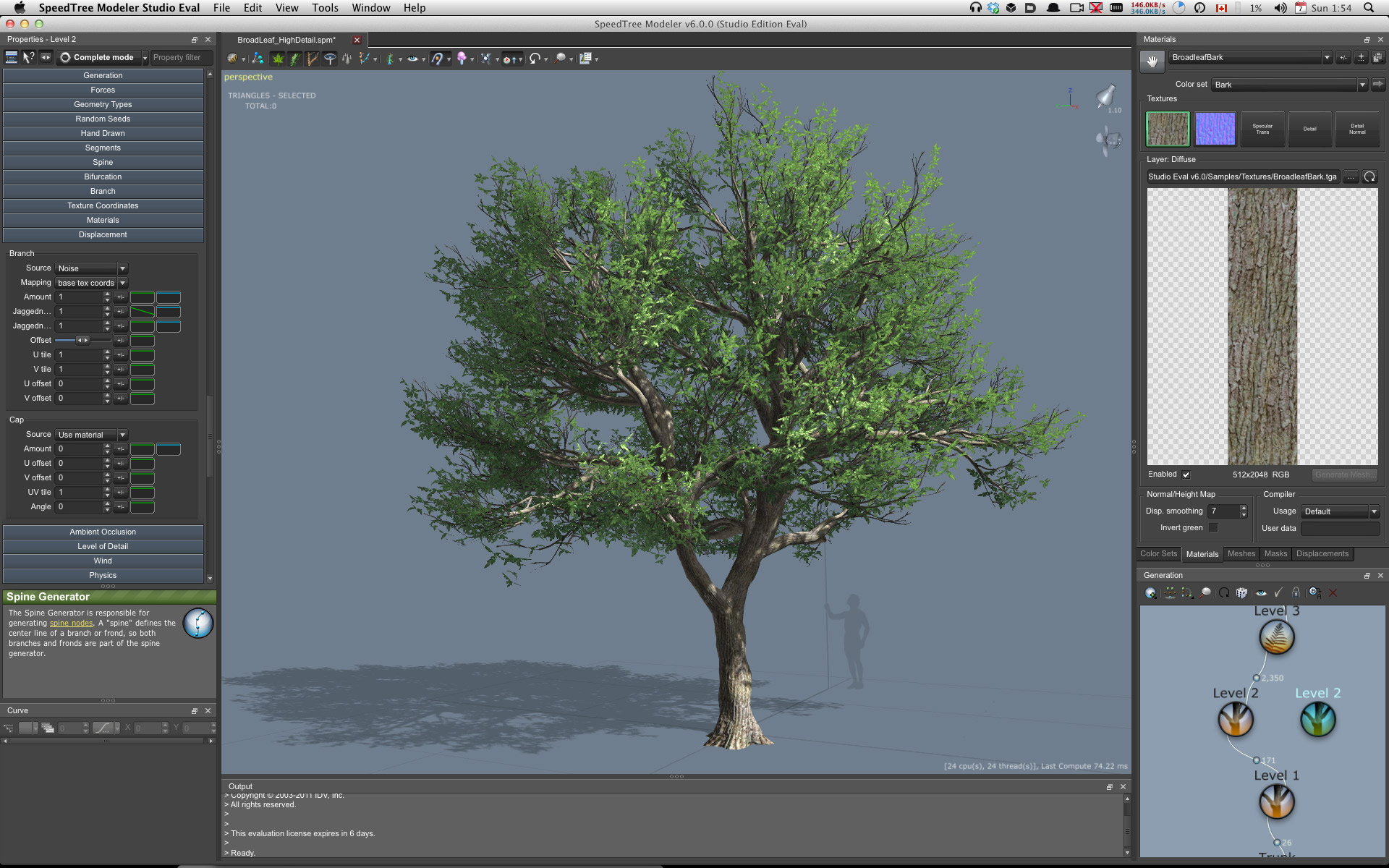
Simple Blackberry Bush
Two more Important Tutorials for Speed tree
Thinking Particles for Beginners

Thinking Particles Tutorial 01 - "The Basics" In this tutorial I will begin to walk you through the Thinking Particle system in Cinema4D. I will begin by comparing its structure to the standard particle emitter, and then walk you through a basic setup. As this series progresses, I hope to go more in depth and see what this system can do for us!
Flickering Pixie particle Maya sprite tutorial

http://goo.gl/Inzmc for remaining parts, scene file and more information This is the first part of the Maya sprite tutorial. In this you will learn to create flickering tinkering glittering particles using Maya particles. Later version will cover up about enhancing the tinkering effect, adding custom colors, changing the colors, adding multiple sprites to the same particle for variation effect
EXPRESSIONS: AN ULTIMATE E-BOOK OF MAYA

expressions|e-book|size- 999 kb
EXPRESSIONS: AN ULTIMATE E_BOOK OF MAYA EXPRESSION EDITOR FROM BASIC TO PROFESSIONAL
lesion1. Introducing Expressions
lesion2. Quick Start
lesion3. Quick Start
lesion4. Editing Expressions
lesion5. Beyond the Basics
lesion6. Particle Expressions
lesion7. Functions
Click on the link below to Get the Tutorial
Linear workflow and Gamma explanation By seazo.no

Go to seazo.no or Click on the image to know more about Linear workflow
Linear workflow and Gamma explanation. Why use linear workflow? Many 3D artists finds this concept quite confusing. Therefore it’s easy to think that it doesn’t mean that much, but believe me, it does. With Linear Workflow, the calculation of light and color through the whole process from render setup to post, will be correct. And it needs to, if you’re aiming for a photo-realistic look in your renders.........
Lightning Rig in Maya - TUTORIAL

In this lesson you will be shown how to Lightning Rig correctly.How to control parameters is an important issue that we talk about it.We will use MelScript to make this effect better,Enjoy this tutorial
How To use Physical Sun and Sky for Exterior rendering in Maya and Mental Ray

CLICK ON THE IMAGE TO NAVIGATE TO THE VIDEO
By antoniobosi.com: Here we are going to see a very simple but effective tecnique to enlight and render your exterior scenes using maya and Mental Ray renderer. The Mental Ray built-in Sun and Sky system is one of the more powerful tool inside maya. Some people are tempted to think that it's something for noobs and starters... belive me it's not!

